

Zangi APP Private Messenger | Download for Android & iOS (2026)
Download Zangi APK Private Messenger on Android and enjoy a fast, secure messaging app. Also available for iOS and PC.
Updated 2026-07-30 · Hosted APK v6.4.8 (46.14 MB) · Rated 4.5/5 from 200,000+ ratings
| App Name | Zangi |
|---|---|
| Publisher | zangi.com |
| Category | Communication |
| Latest Version | v6.4.8 |
| Size | 46.14 MB |
| Price | Free |
| Required OS | Android 5.0+ |
| Rating | 4.5/5 (200,000+) |
| Language | English |
Overview
Looking for a messaging app that does not drain your data, works offline, performs well, and stays secure? Download the Zangi app. It is free, with strong encryption, no message storage on servers, a private number (no SIM required), and peer-to-peer offline mode.
You can send files in original quality, customize themes, and use it while traveling or in areas with weak connectivity — a reliable alternative to mainstream messengers.
What is Zangi APP?
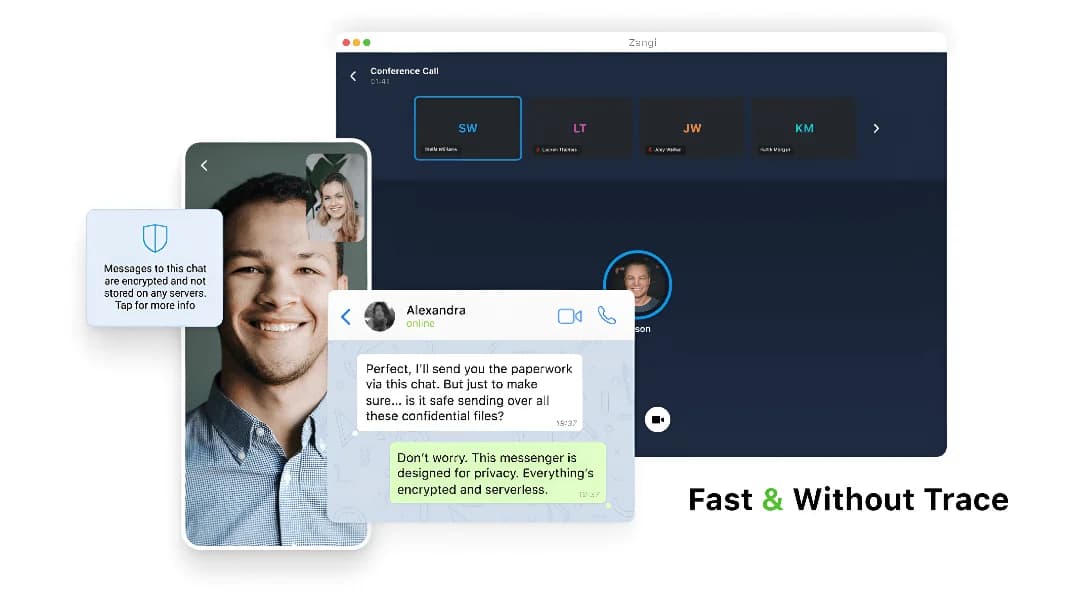
Zangi Private Messenger focuses on privacy, speed, offline use, and performance. There are no tracking algorithms. You do not need your real number — the app assigns a private number. Messages deliver quickly, and you can send images, videos, and files in original quality.
Main Features of Zangi APP
Features that make Zangi a strong competitor against leading messaging apps:
No SIM Card Needed
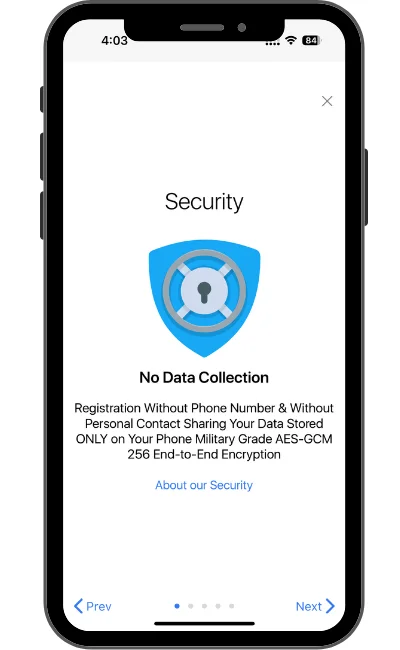
Register without a real phone number. Zangi assigns a private number so you can stay anonymous with a username. Learn more about no-SIM messaging.
Offline Working
Chat nearby without internet using Bluetooth, Wi-Fi Direct, and local networks — useful for travel, hiking, and weak coverage.
Strong Encryption
End-to-end encryption with no third-party access. The app does not store your chat data on servers. Encryption explained.
Top Voice and Video Quality
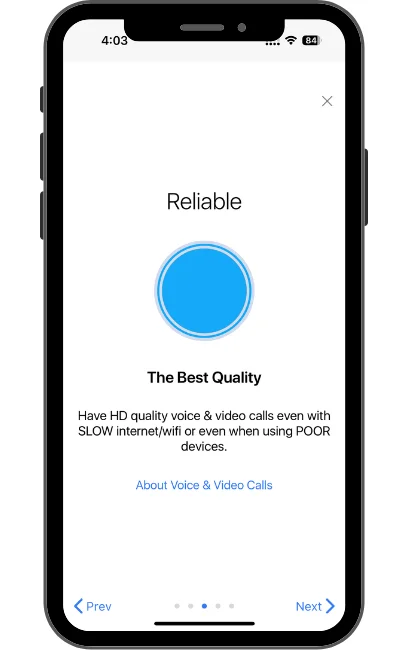
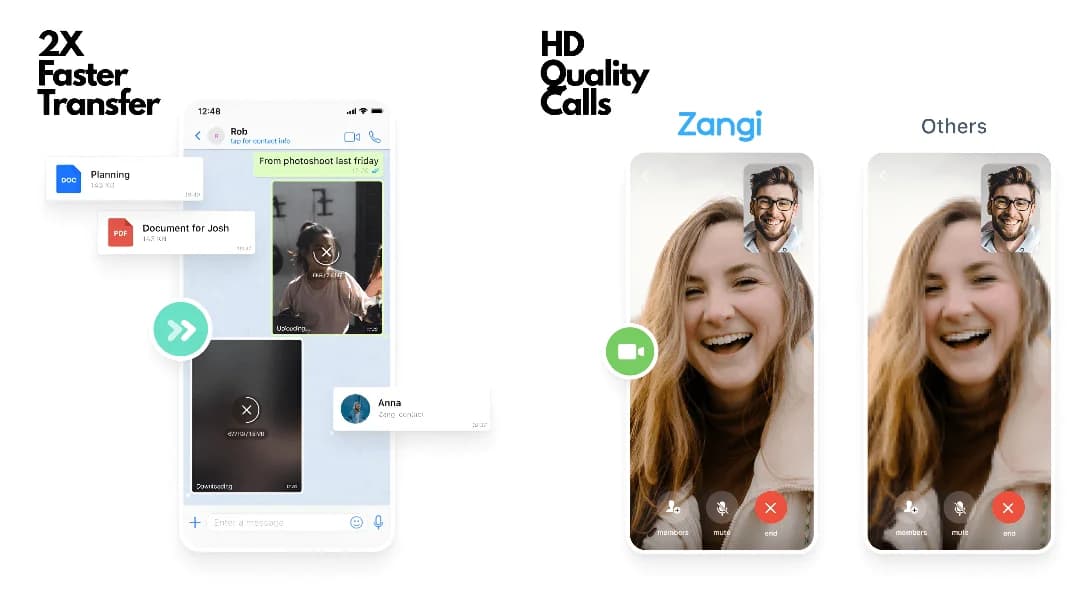
Clear voice and HD video even on weak connections. Call quality guide.
Fast and Lightweight
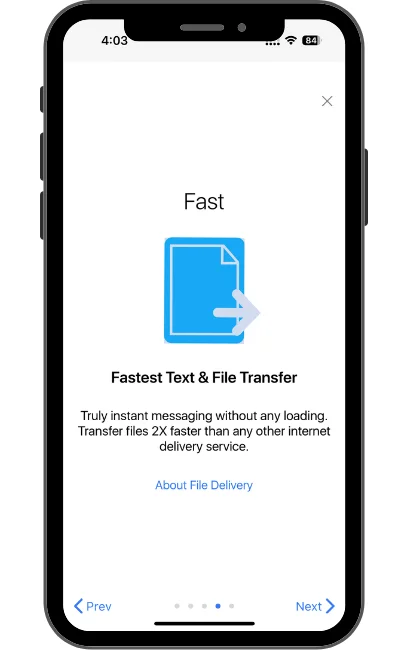
Messages, images, and videos deliver quickly with a lightweight app footprint.
File Sharing
Send images and videos in high quality without aggressive compression. File sharing limits & formats.
No Ads
Completely ad-free, with no third-party ad tracking.
Customisation
Change colours, fonts, themes, and layouts to suit younger and older users alike.
Device Syncing
Log in on phone, tablet, and PC and continue conversations across devices. Zangi for PC.
Zangi APP Premium Features
Optional paid features for extra account security:
Wipe Passcode
Set a special code that secretly erases messages, files, and contacts while keeping your account.
Self-Destruct Messages
Turn on stealth mode and set a timer so messages disappear after a set time.
1000-Person Conferencing
Host large HD conference calls — even on slower networks.
Is the Zangi App Safe to Use?
Yes. Communications are end-to-end encrypted on your device. Zangi does not store chat history on servers. A private number means you do not share your real phone number. Read more: security and privacy, can Zangi be tracked, safety for journalists.
How to Download and Install Zangi APK
For Android
Step 01
Download the file
Tap Download and save the APK/XAPK file to your phone.
Step 02
Allow unknown apps
Enable Unknown Sources / Install unknown apps in your device settings.
Step 03
Install Zangi
Open the file from Downloads and confirm install.
For PC
Step 01
Download the APK
Save the Zangi APK to your computer.
Step 02
Install an emulator
Install BlueStacks or LDPlayer from the official site.
Step 03
Install inside the emulator
Open the emulator and install the Zangi APK from your Downloads folder.
iOS Installation
Step 01
Open the App Store
Search “Zangi Private Messenger” and tap Get.
Step 02
Set up your account
Follow the prompts — no phone number required. Enable notifications if you want alerts.
Data Consumption vs Other Apps
| Activity | Telegram | Zangi | |
|---|---|---|---|
| Text (100 messages) | 2.1 MB | 1.8 MB | 0.7 MB |
| Voice call (10 min) | 7.5 MB | 6.2 MB | 2.8 MB |
| Video call (10 min) | 42 MB | 38 MB | 15 MB |
Full comparison with WhatsApp, Telegram, Signal & more →
How to Use the Zangi APK
Step 01
Download the app
Install Zangi on Android, iOS, or PC (via emulator).
Step 02
Register
Create an account with a nickname — no real phone number required. A private number is assigned.
Step 03
Customize settings
Change fonts, themes, chat background, and enable dark or light mode.
Step 04
Add contacts
Search usernames or invite friends. Share your nickname so others can find you.
Step 05
Use offline mode
Enable offline / P2P when you have no internet but nearby Zangi users.
Step 06
Sync devices
Log in on multiple devices to continue chats on phone and PC.
Who Should Use the Zangi APP?
- Privacy-conscious users — no ads, strong encryption, no server-side chat vault.
- People in remote areas — low data use and offline P2P when signal is weak.
- Travellers — stay connected with less battery and bandwidth drain.
- Journalists & activists — see Is Zangi safe for journalists?
Who should avoid Zangi?
- Users who switch devices often and need full cloud chat backup (Zangi prioritizes no server history).
- Very large free group-call hosts — free tier is limited; premium unlocks 1000-person calls.
- iOS users who need every Android feature on day one — iOS can lag Android on some updates.
Tips and Tricks
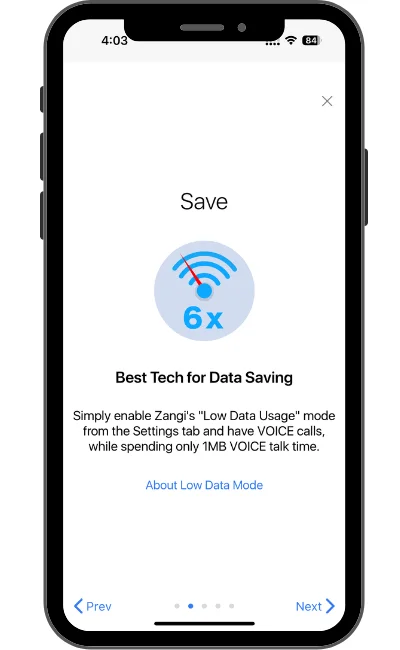
- Enable data-save mode in settings for even lower usage.
- Turn on offline mode for local / no-signal communication.
- Personalize themes and fonts for a clearer interface.
- Sync on multiple devices so conversations continue on PC.
- Use a nickname instead of your phone number for more privacy.
- Keep notifications on so you do not miss offline messages and calls.
Pros and Cons
Pros
- Ultra-fast messaging
- Works on low internet
- Strong privacy / encryption
- Multi-device login
- Low data consumption
- No ads or tracking
Cons
- Smaller user base than WhatsApp or Telegram
- No traditional cloud chat backup by design
- Losing a phone without recovery setup can lose history
Free vs Premium
Free tier includes unlimited messaging, HD group calls (smaller size), end-to-end encryption, offline P2P, and large file sharing. Premium (~$9.99/month) adds 1000-person conference calls, self-destruct messages, wipe passcode, and advanced delivery analytics. For most people, the free tier is enough — premium helps businesses and high-security use cases. See Zangi for Business.
Frequently Asked Questions
Visit zangiapp.org and click Download to get the Zangi APK for Android. iOS users can install from the App Store.
Yes. Install an Android emulator like BlueStacks or LDPlayer, then install the Zangi APK inside it. See our Zangi for PC guide.
Yes. Zangi uses end-to-end encryption, does not store chat history on servers, and lets you register without a real phone number.
Devices connect directly via Bluetooth or Wi-Fi Direct within roughly 30 meters — no internet required.
More efficient compression, less protocol overhead, and no automatic media downloading for text and calls.
Yes. Zangi works with VPNs and in many restricted network environments.
Individual calls have no time limit. Free tier supports smaller group calls; premium unlocks up to 1000-person conferencing.
More anonymous than WhatsApp or Telegram because no phone number is required. Your IP may still be visible to servers.
Yes for small teams that prioritize privacy. See Zangi for Business for white-label and enterprise options.
Without cloud backup, chat history does not restore automatically. Bind an email in settings for account recovery where available.
App not working? Common fixes →
Conclusion
Zangi suits anyone who wants extra security, fast messaging, and offline communication. Download the latest APK and try it yourself.